# 4. 出勤月報表

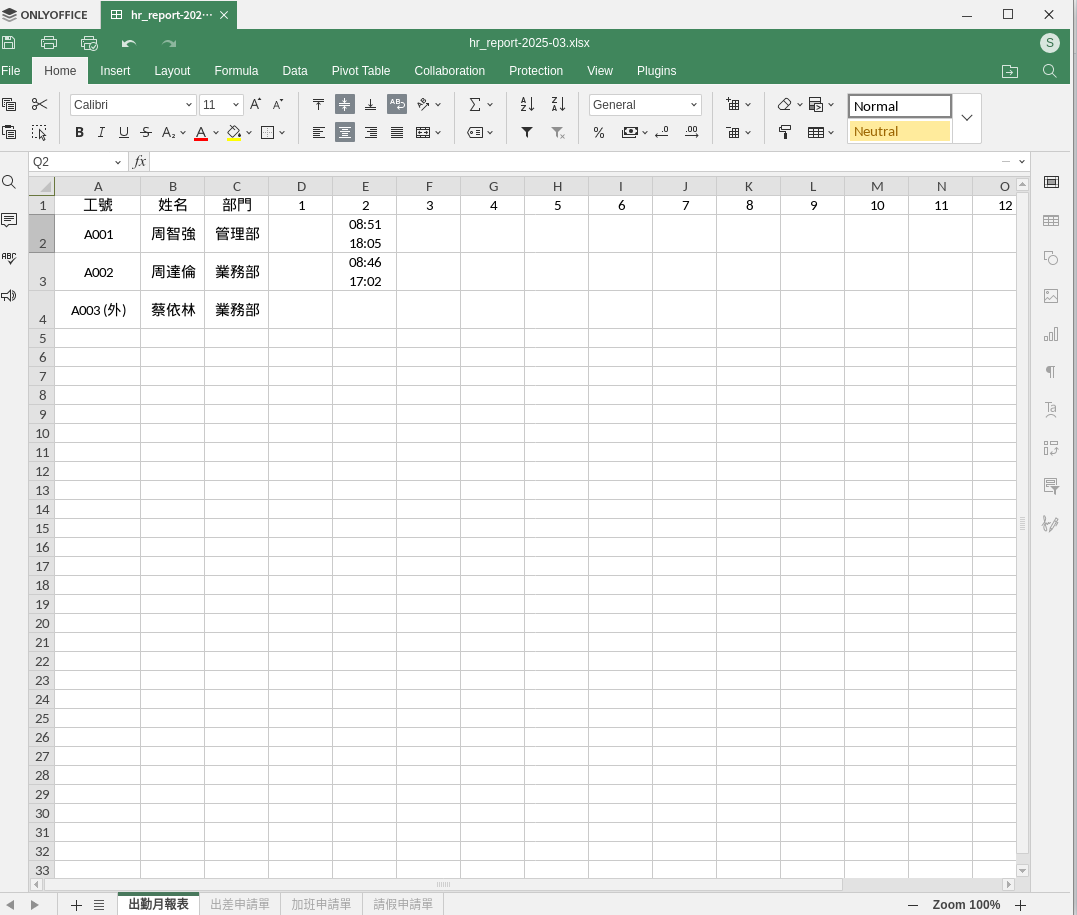
##### **<span style="color: rgb(224, 62, 45);">這個功能是用來下載員工打卡的月報表</span>** 

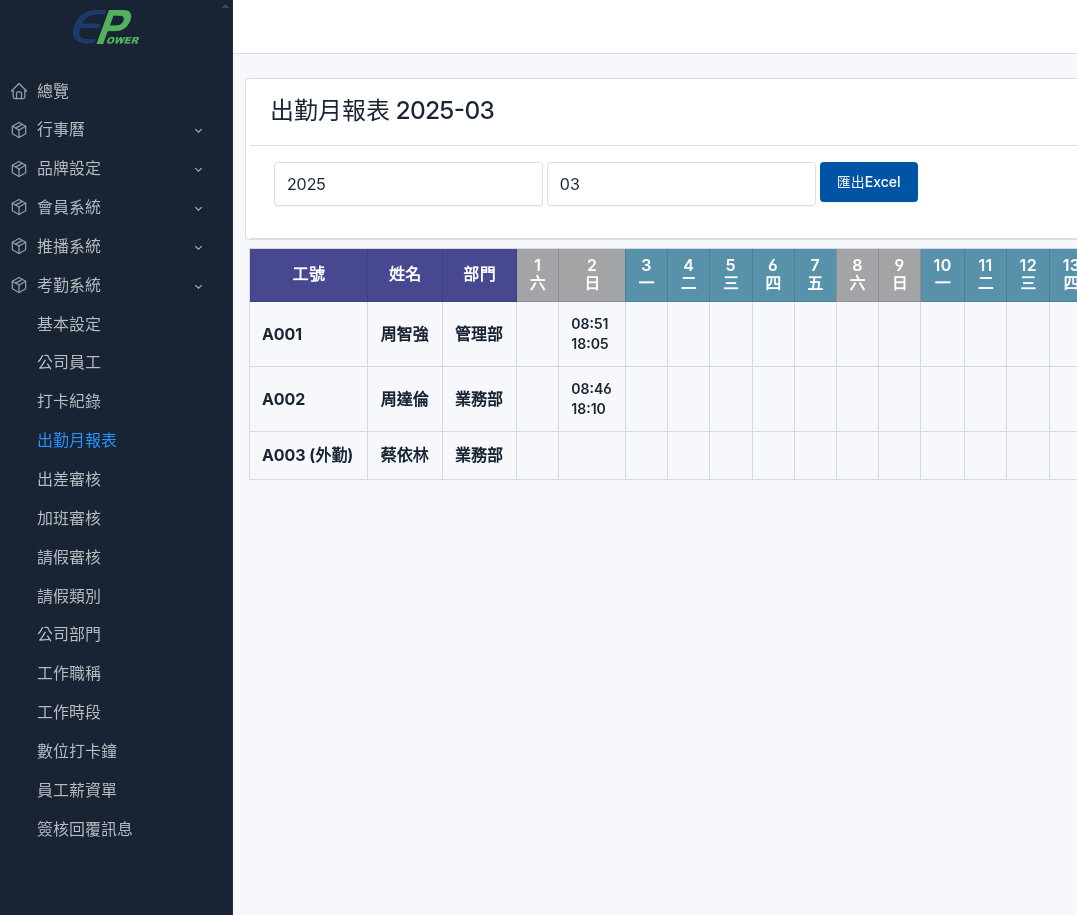
#####  **設定步驟** 功能選單 -&gt; 考勤系統 -&gt; 出勤月報表  
  
選擇年份及月份, 然後按下 <span style="color: rgb(224, 62, 45);">**匯出Excel**</span> 按鈕, 就可以下載了, **省下傳統紙張及人力統計, 也避免代打卡的問題.**

[![hr_attendance_report-i01.png](https://km.sopdom.com/uploads/images/gallery/2025-03/scaled-1680-/hr-attendance-report-i01.png)](https://km.sopdom.com/uploads/images/gallery/2025-03/hr-attendance-report-i01.png)
[![hr_attendance_report-i02.png](https://km.sopdom.com/uploads/images/gallery/2025-03/scaled-1680-/hr-attendance-report-i02.png)](https://km.sopdom.com/uploads/images/gallery/2025-03/hr-attendance-report-i02.png)