Skip to main content
超融合學習平台
View All
Search
Shelves
Books
Log in
Info
Content
Books
AI數位員工管理
2. 如何設定Nvidia Free Key
2. 如何設定Nvidia Free Key
前往
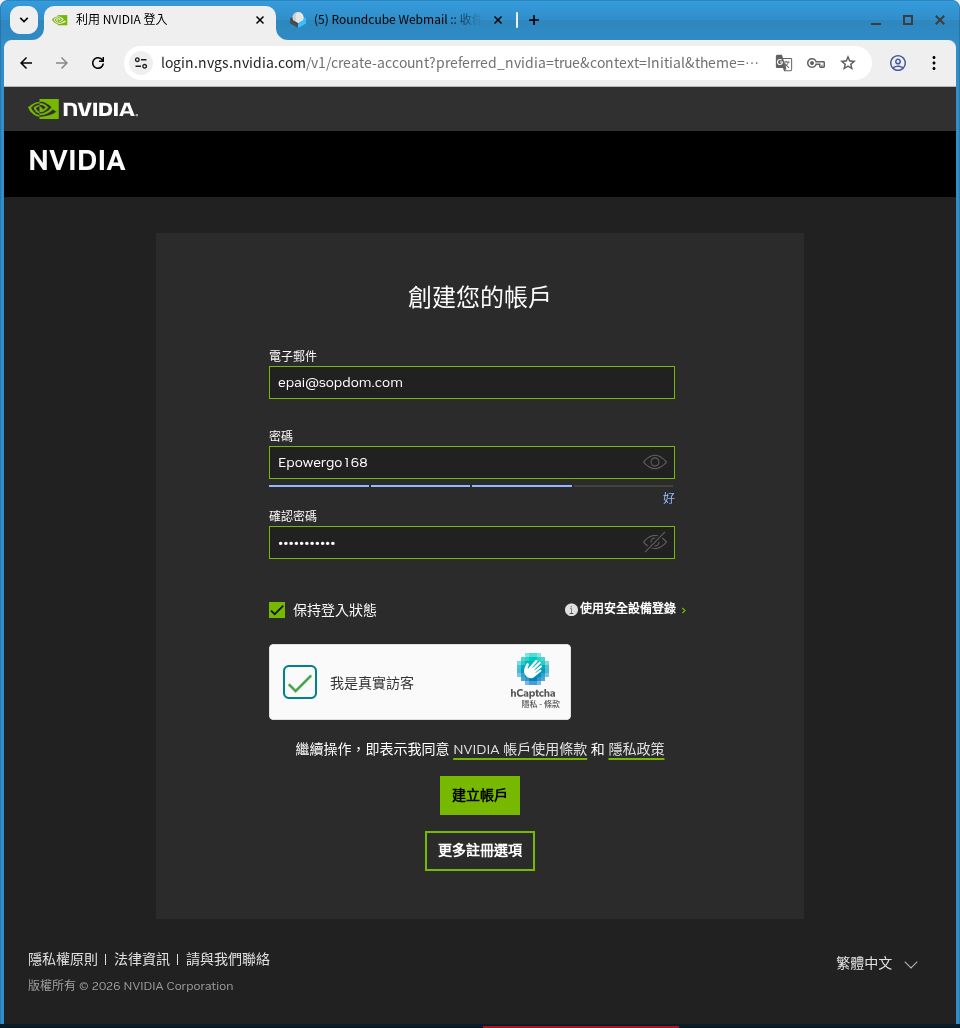
Nvidia輸入電子郵件及密碼,點選建立
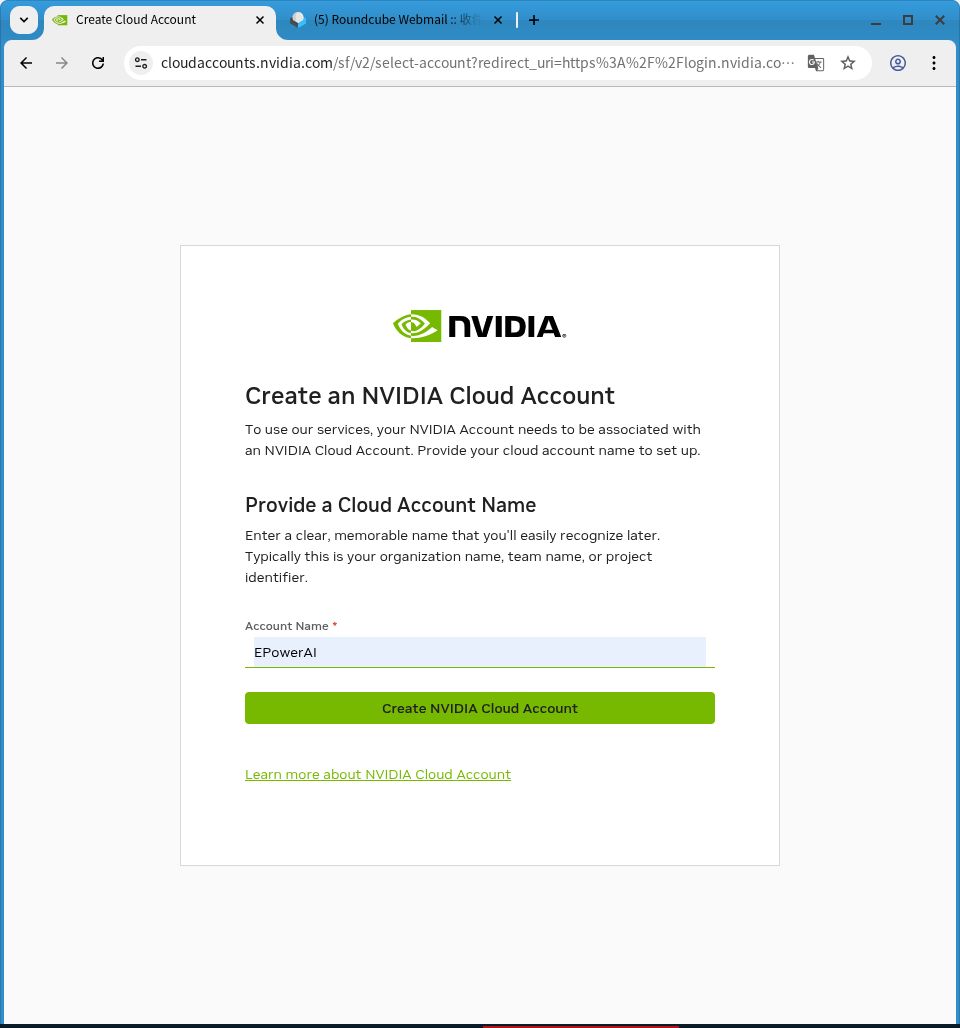
輸入名稱
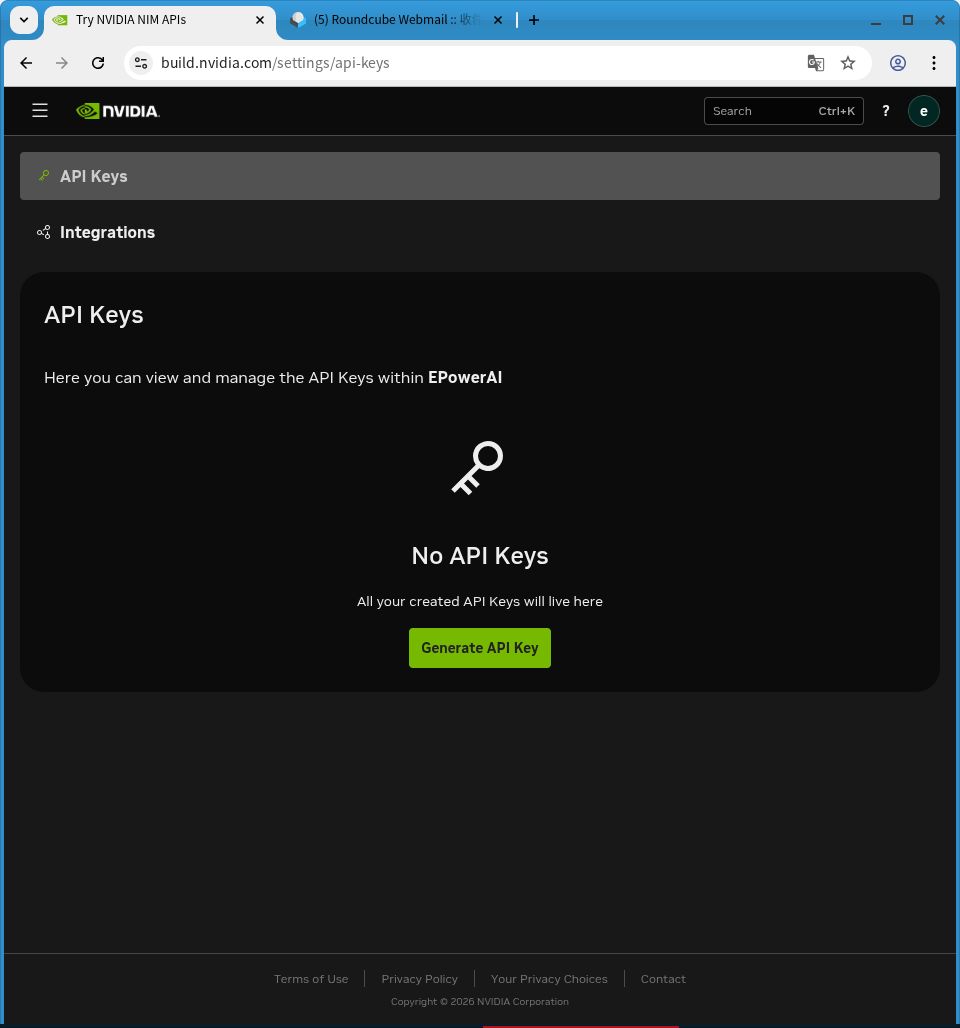
點擊 Switch Org
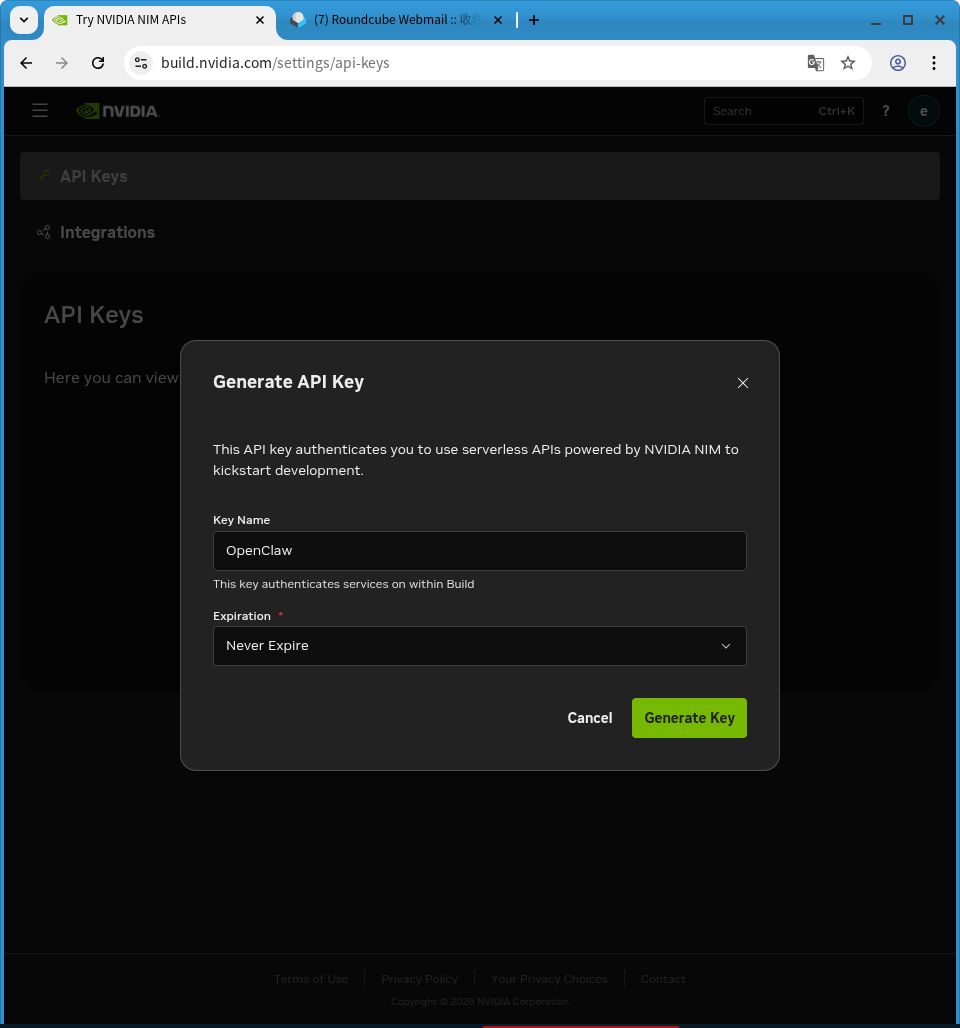
設定key的名字,Expire選擇Never Expire,接著按Generate Key
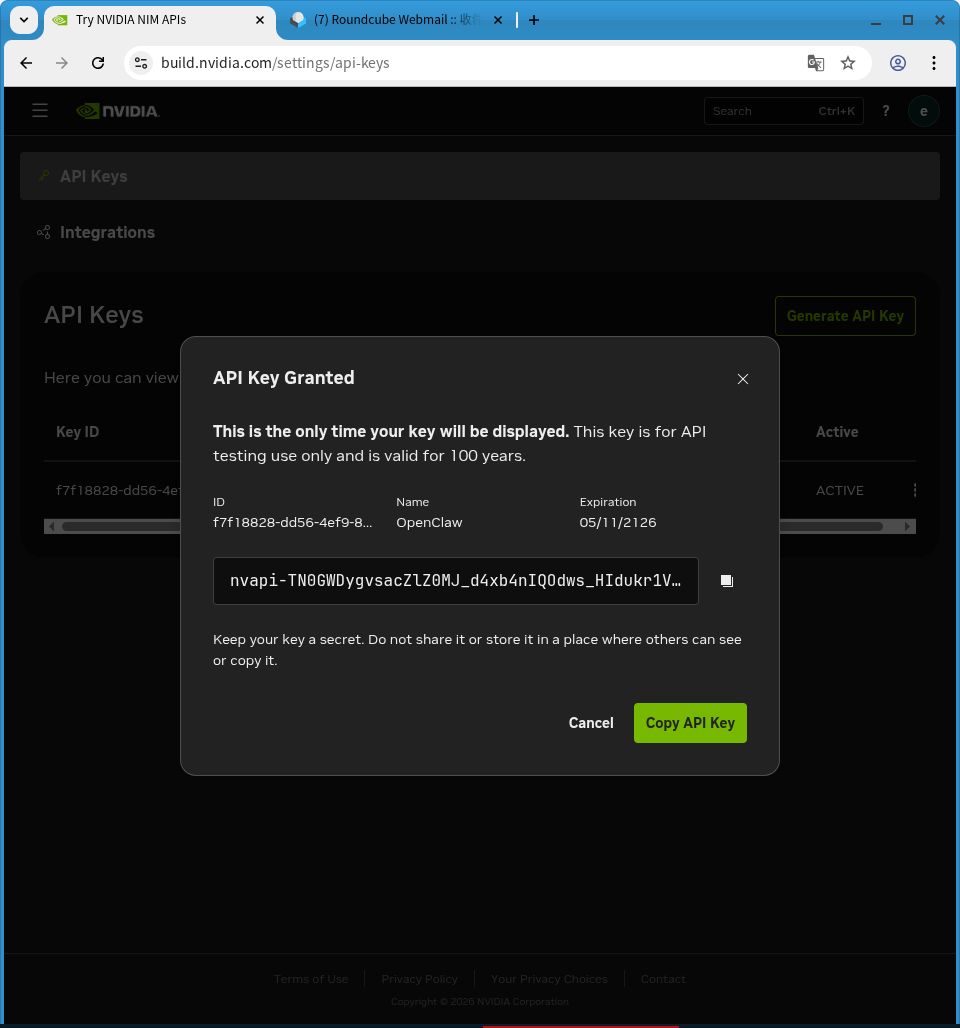
生成完畢會出現下列畫面
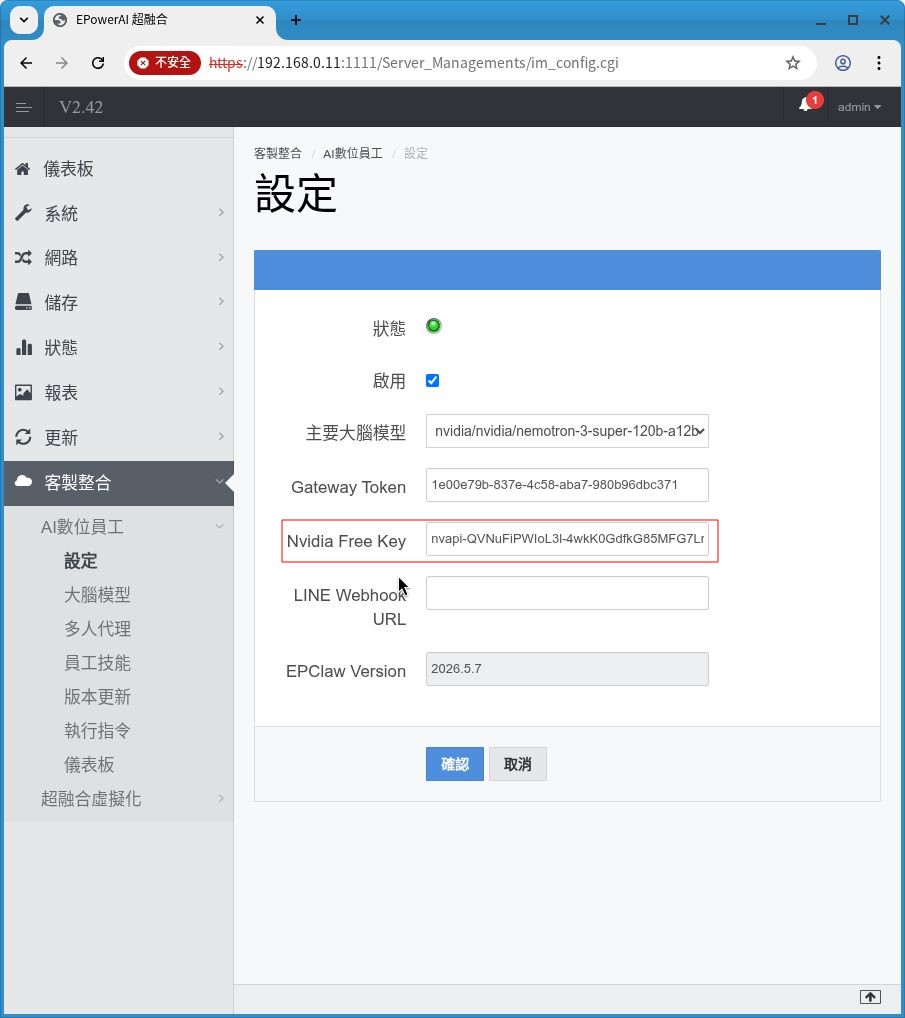
複製上圖的API Key,到下圖紅匡的Nvidia Free Key裡並按下確認,即完成設定
Enter section select mode
Previous
1. 登入伺服器
Next
3. 串接TG數位員工
Back to top