Skip to main content
1. 下載與燒錄EPowerAI iso檔案
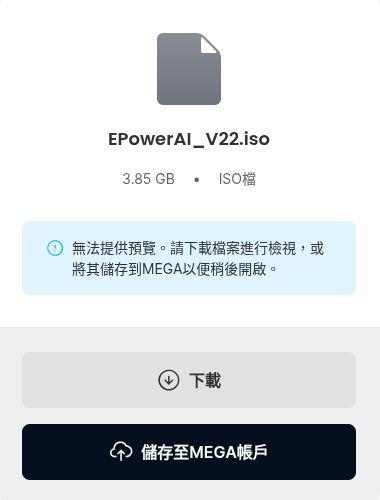
1. 點選下載
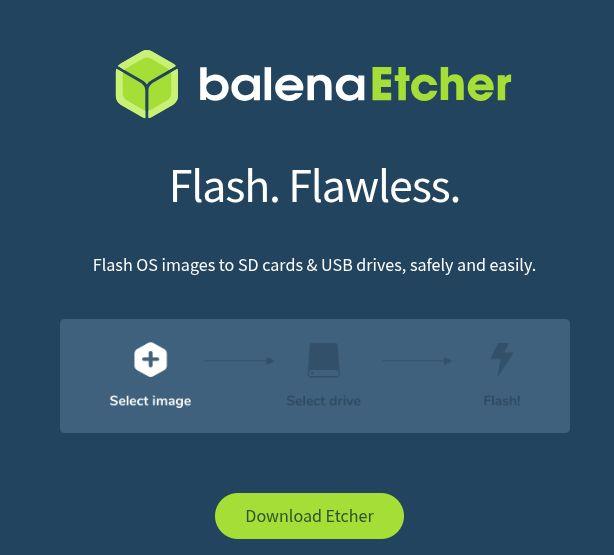
2. https://etcher.balena.io/ 下載燒錄軟體
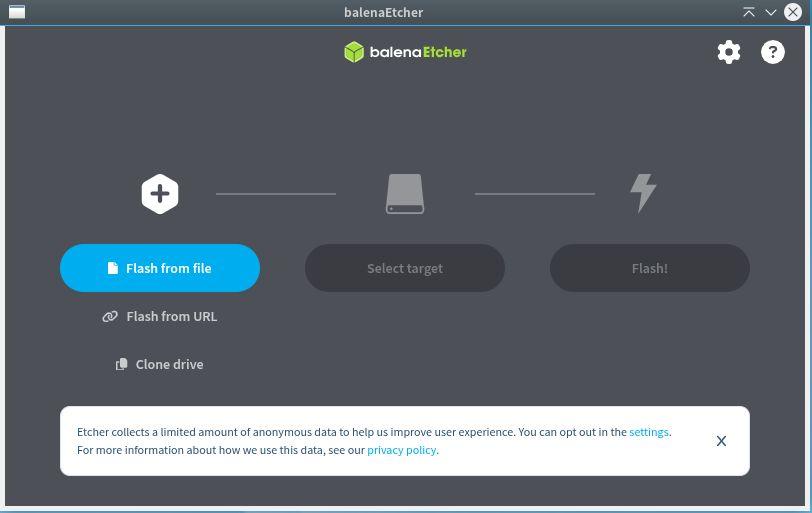
3. 點選 Flash from file 的按鈕
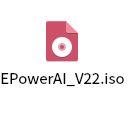
4. 選擇剛剛下載好的 EPowerAI_V22.iso 檔案
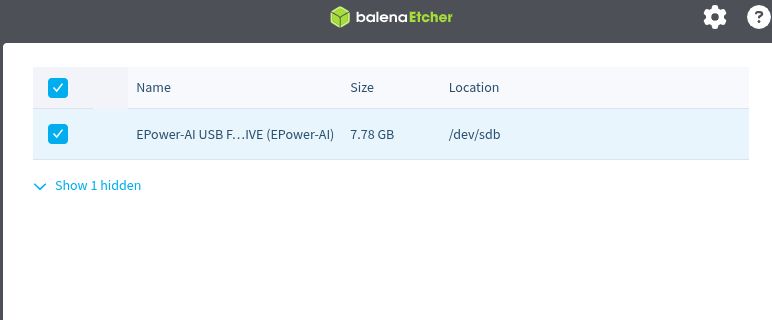
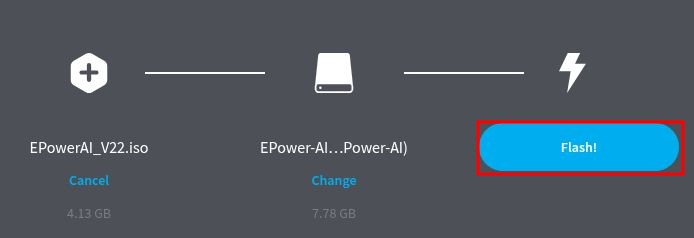
5. 選擇要燒錄的USB硬碟插入主機 點選中間的 Select target --> 選取要燒錄的USB 這裡使用EPower-AI USB示範USB磁碟

6. 點選Flash
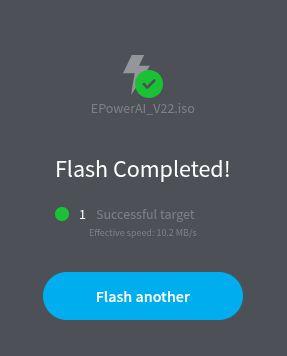
7. 出現綠色打勾這個畫面即燒錄完成!