Skip to main content
超融合學習平台
View All
Search
Shelves
Books
Log in
Info
Content
1. 下載與燒錄EPowerAI iso
Page Revisions
Revision #3524 Changes
1. 下載與燒錄EPowerAI iso
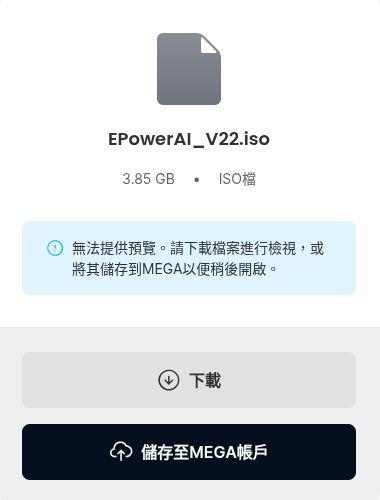
1. 點選
下載
iso版本會隨著新功能釋出
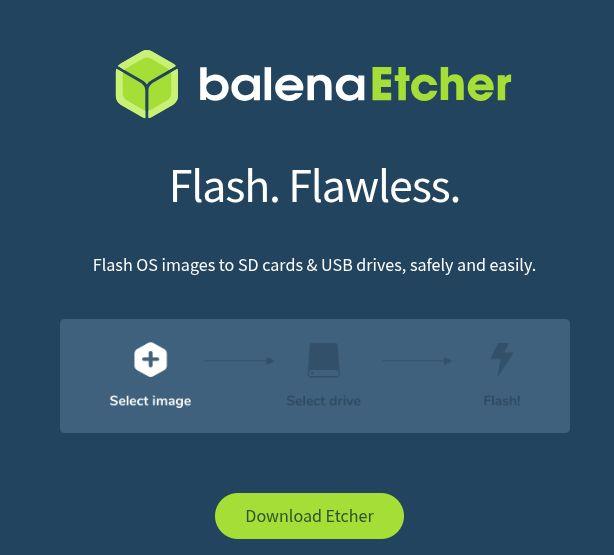
2. https://etcher.balena.io/
下載燒錄軟體
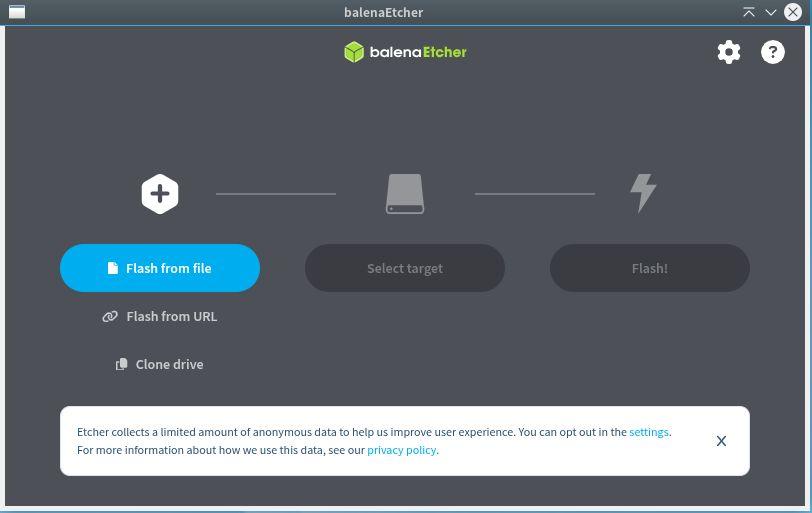
3. 點選
Flash from file
的按鈕
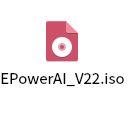
4. 選擇剛剛下載好的 EPowerAI_V22.iso 檔案
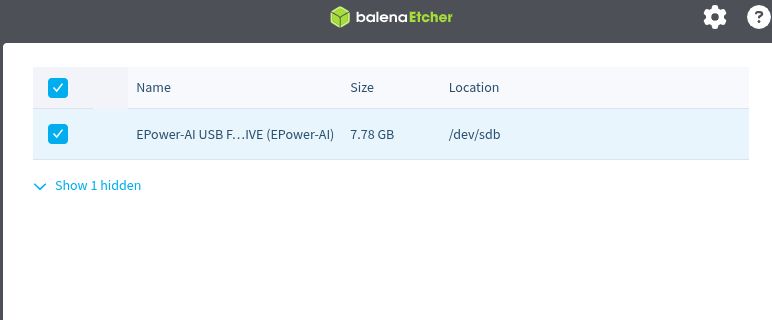
5. 點選中間的 Select target --> 選取要燒錄的USB磁碟
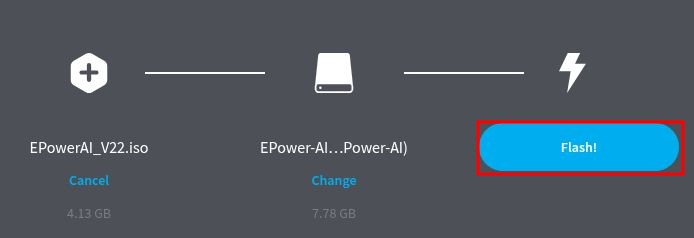
6. 點選Flash
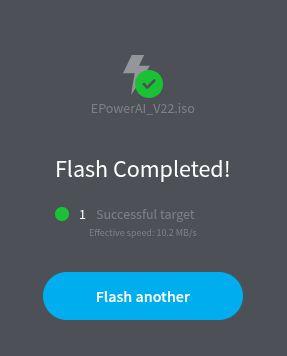
7. 出現綠色打勾這個畫面即燒錄完成!
Back to top